White Christmas - Let It Snow PrestaShop Module
It's December, and your shop could feel like Christmas. White Christmas dresses your PrestaShop storefront for the holidays and then helps you use the season to sell — without touching your theme, your prices or your catalogue.
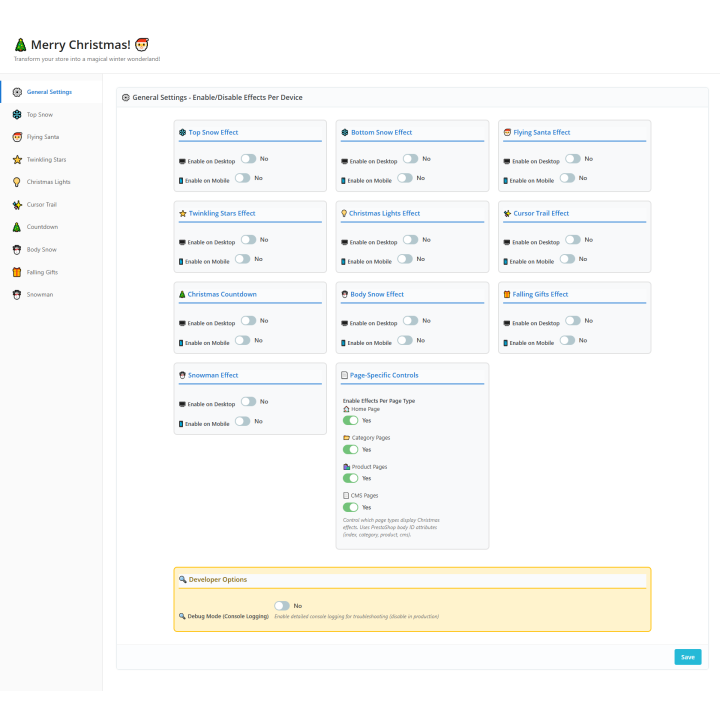
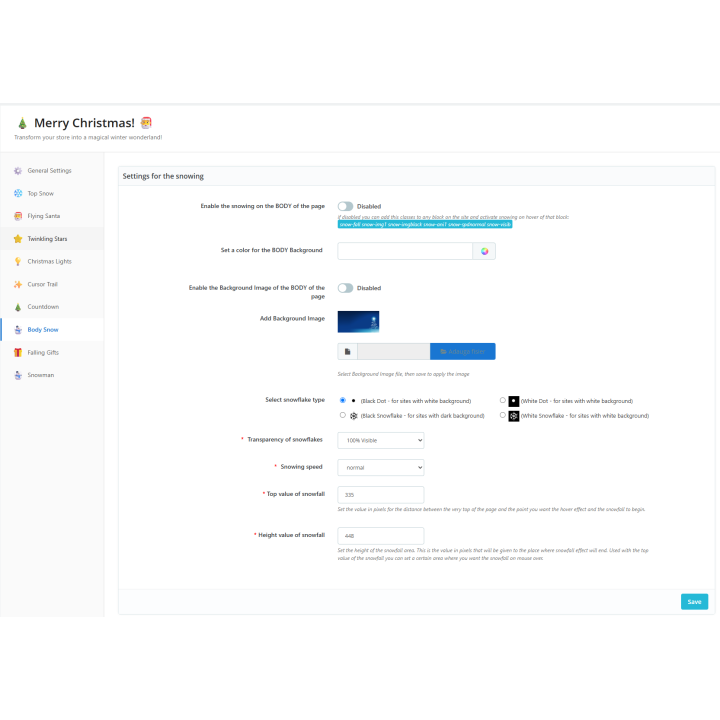
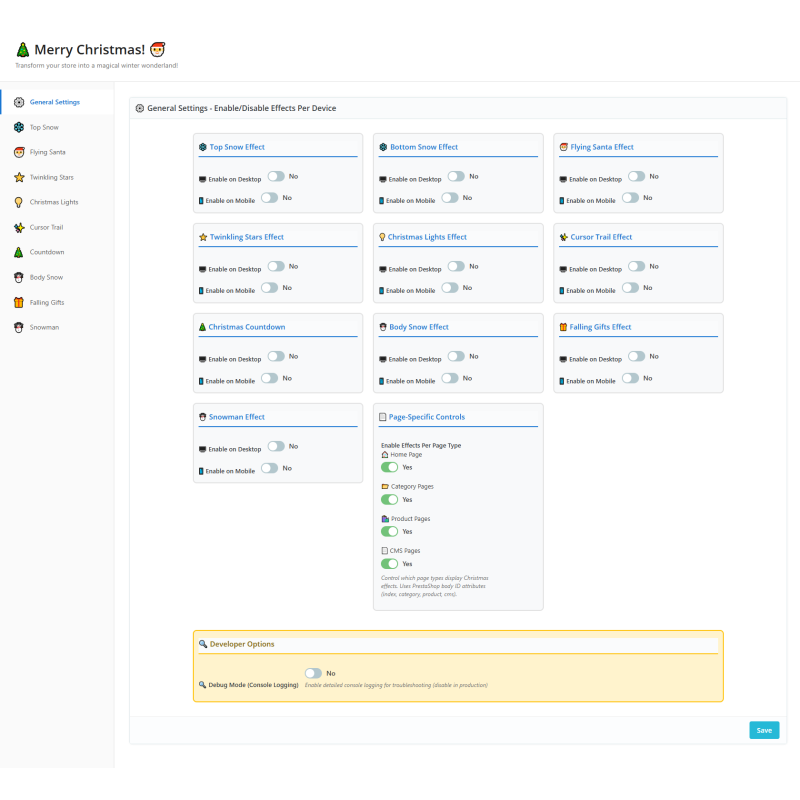
Turn it on in one click. Everything lives on a single, modern back-office page, grouped the way you think about your shop. Open White Christmas, switch on the master control, and your storefront is festive. Every effect has a live preview and a short help note, so you can see what a setting does before your visitors do.
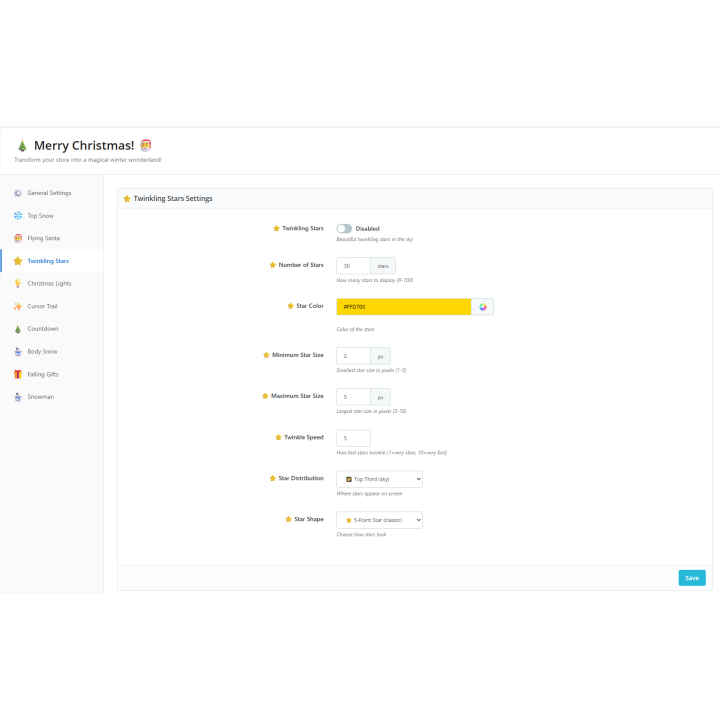
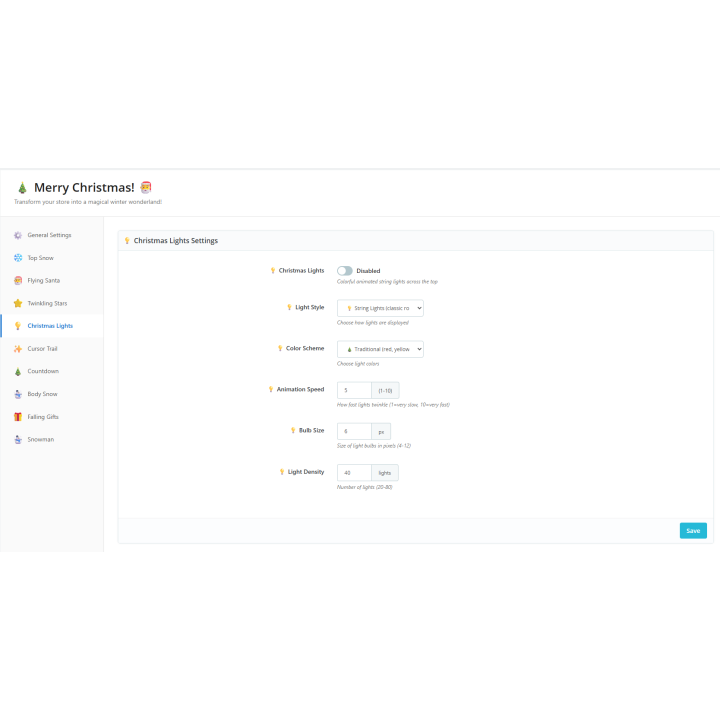
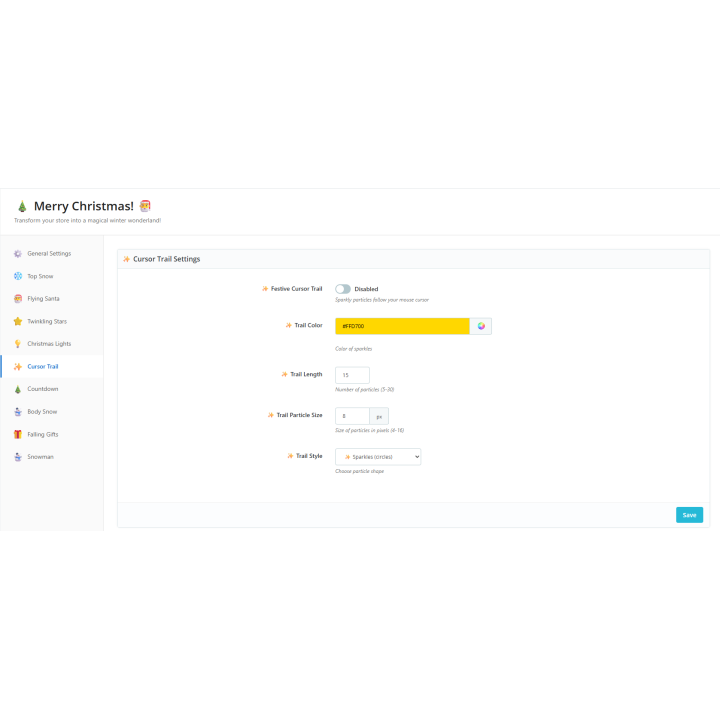
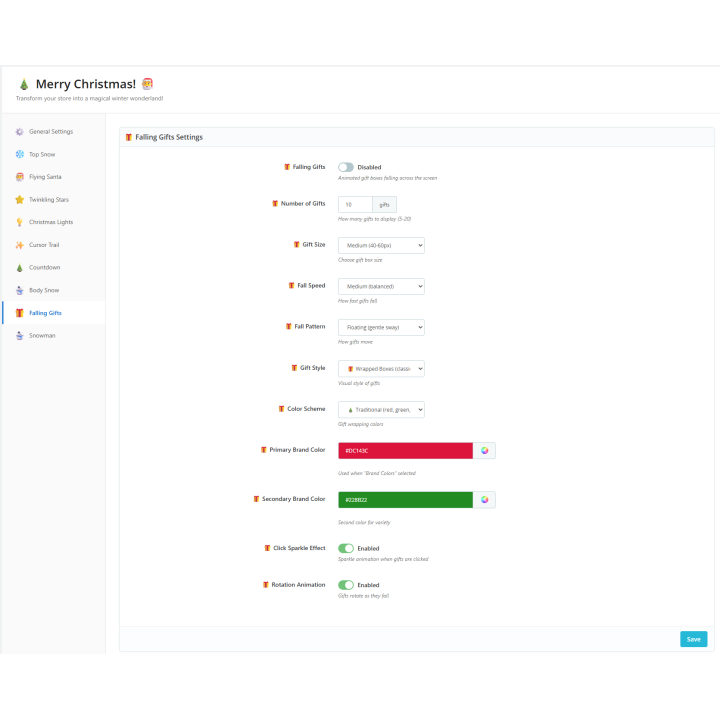
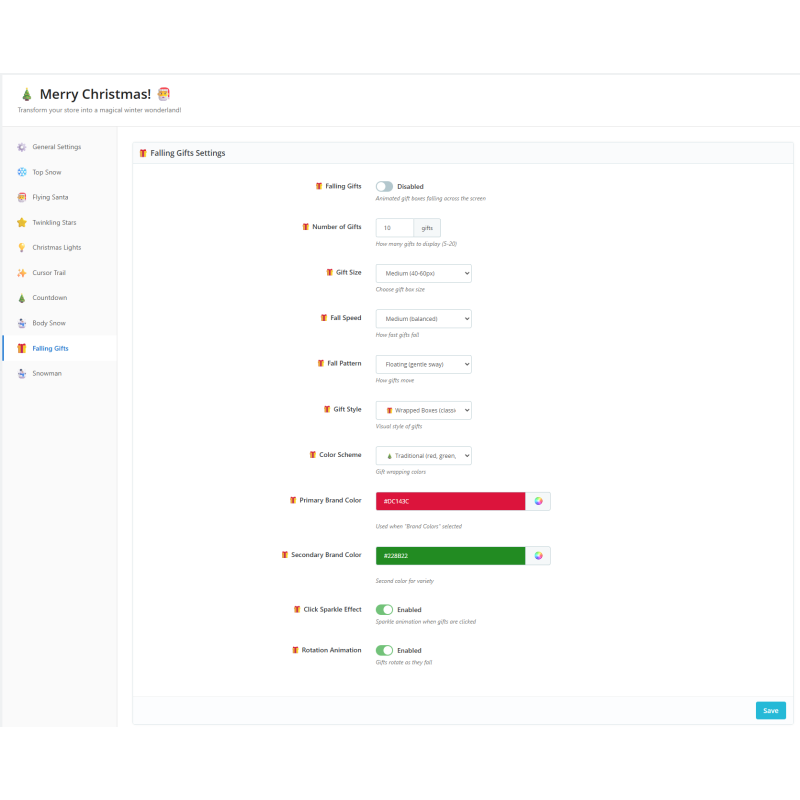
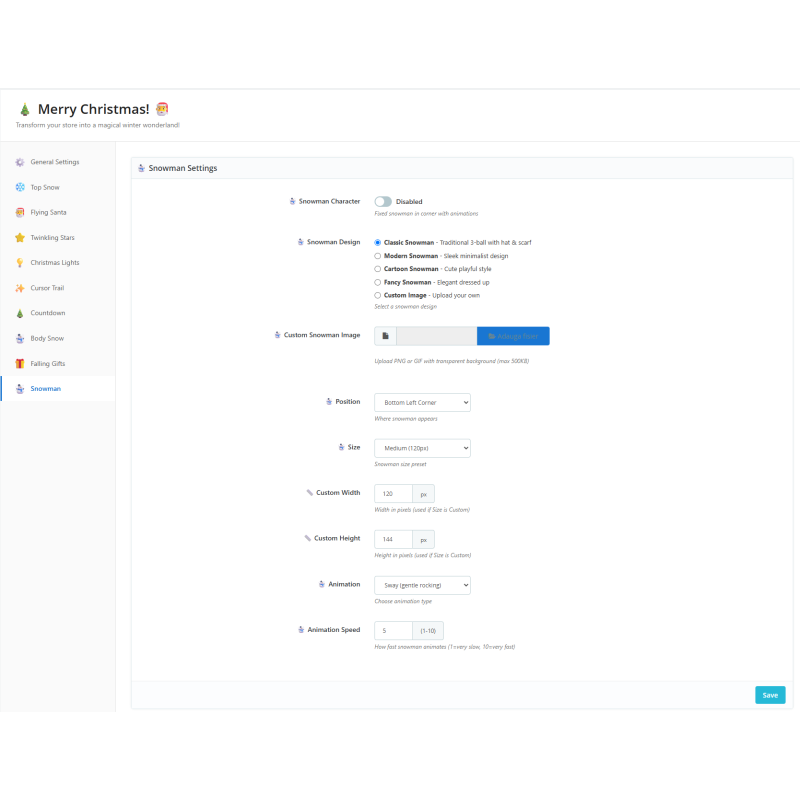
Deck the whole shop. More than a dozen effects — falling snow, header snow, twinkling stars, a garland of Christmas lights, a flying Santa, a snowman, a cursor trail, falling gifts and a confetti burst — turn on from one page, and a set of palette presets recolours them all at once.
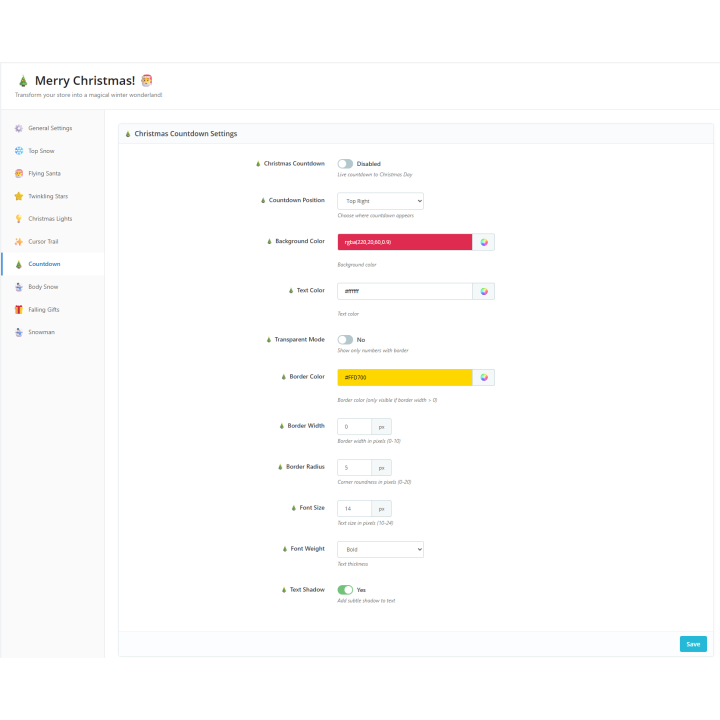
Turn the mood into sales. A promotion bar counts down to your shipping cutoff ("order by … for delivery before Christmas"); festive gift wrapping is offered at checkout, built on PrestaShop's own gift-wrapping option; and a floating surprise gift reveals a discount code shoppers can copy.
Fast and respectful. A single drawing engine keeps the effects light, a smaller budget runs on phones, motion respects each visitor's reduced-motion setting, and a season schedule turns the decorations on and off by date — on when you want, off by itself in January.
Compatibility. PrestaShop 1.7.8 to 9, PHP 7.1 to 8.5, Classic and Hummingbird themes, multistore. The back office and documentation are available in English, French, Spanish, German, Italian, Polish and Romanian.
The effects are cosmetic: you supply your own discount codes (in Catalog › Discounts) and shipping deadlines, and gift wrapping uses PrestaShop's native option.
01 Master switch to turn every decoration on or off at once
02 Automatic season schedule — festive from a December date, off by itself in January
03 Palette presets that recolour every effect together
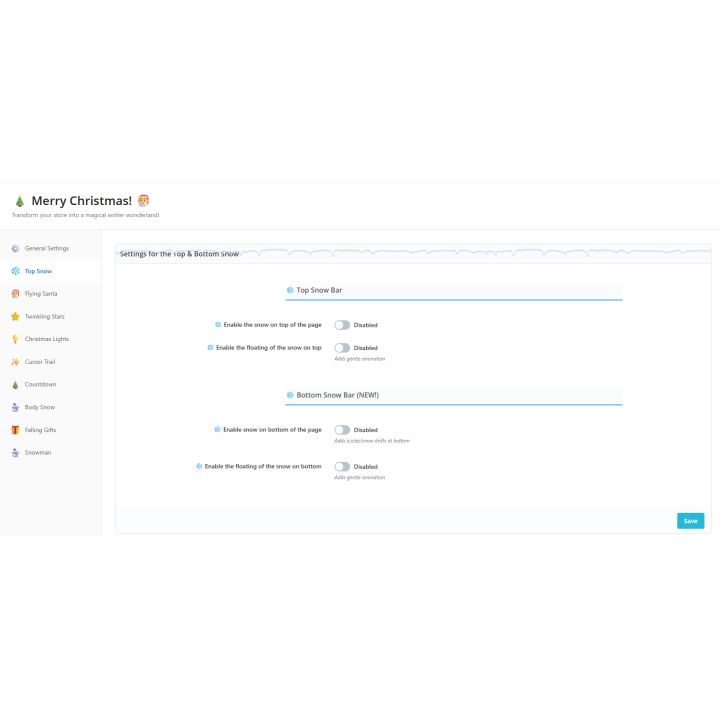
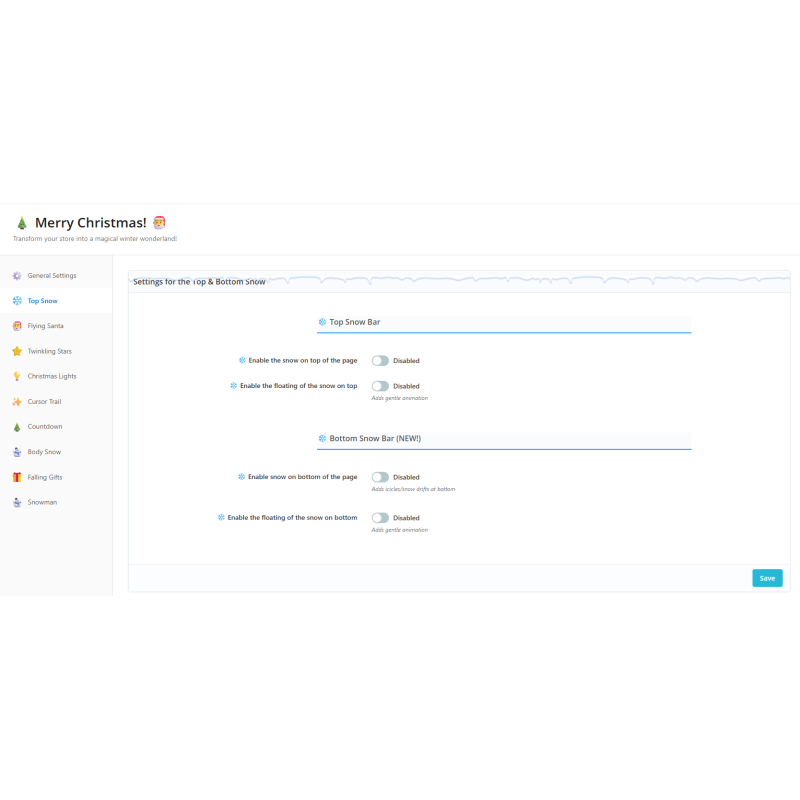
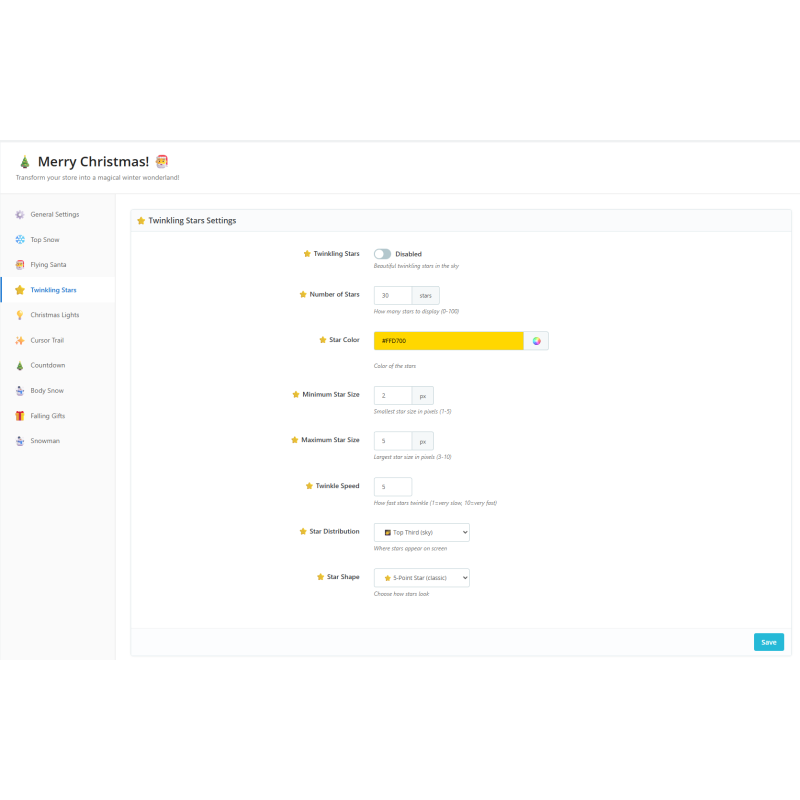
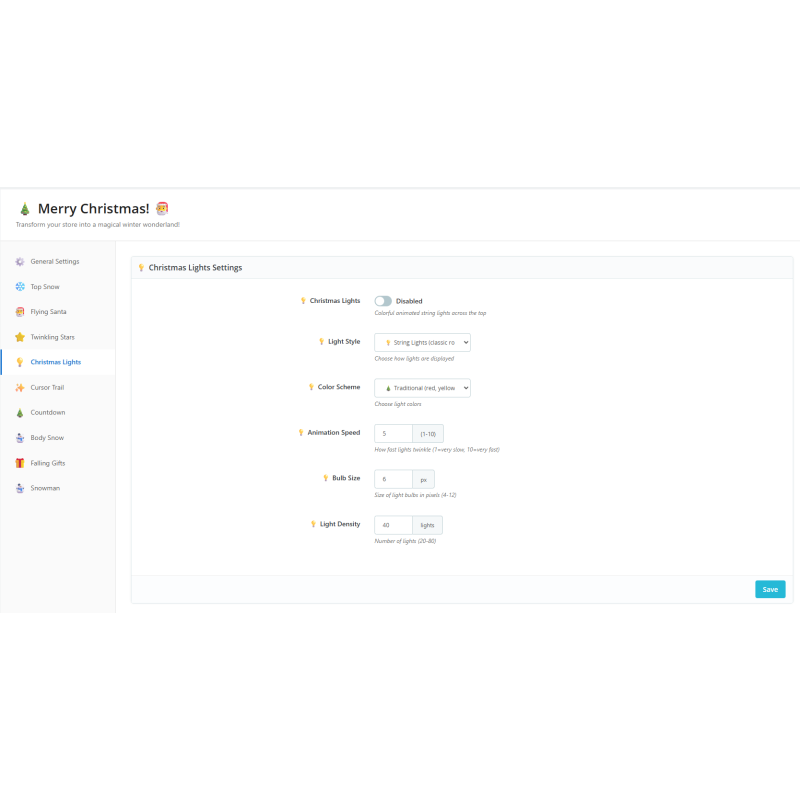
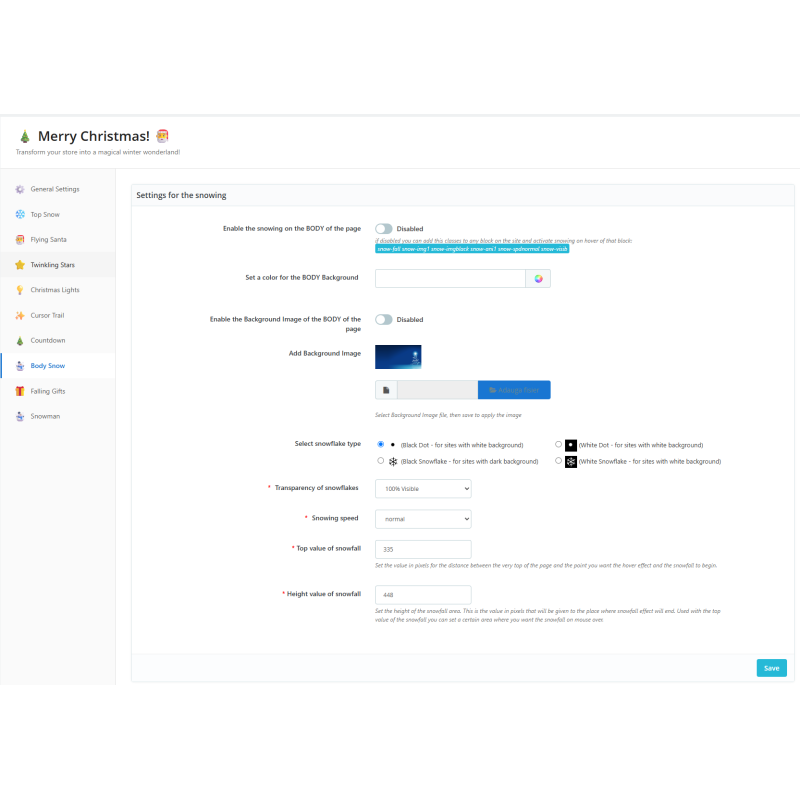
04 Snow & Sky: body snow, top snow, header snow, twinkling stars and a Christmas-lights garland
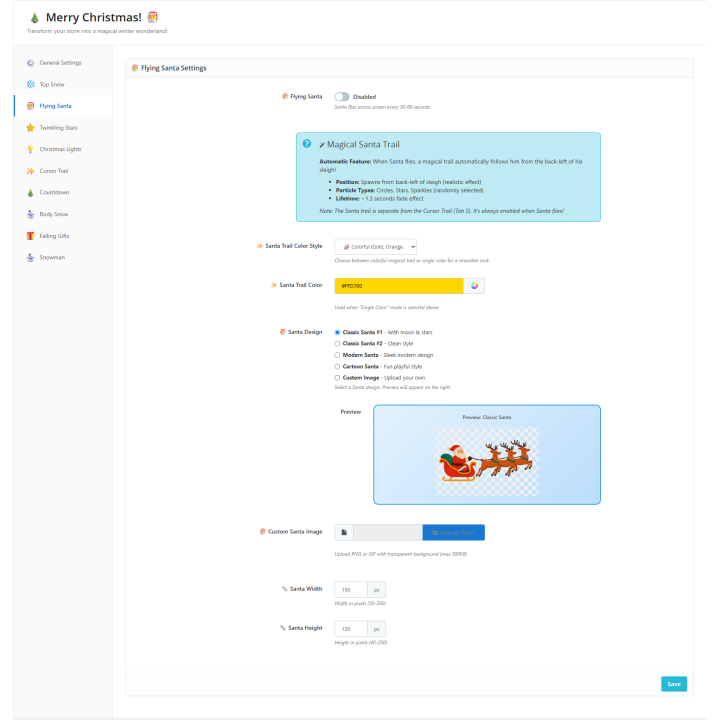
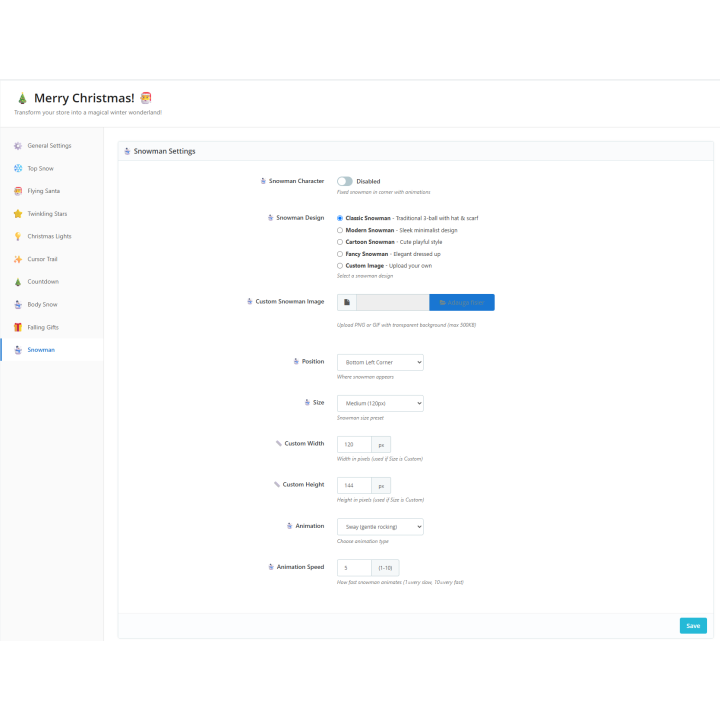
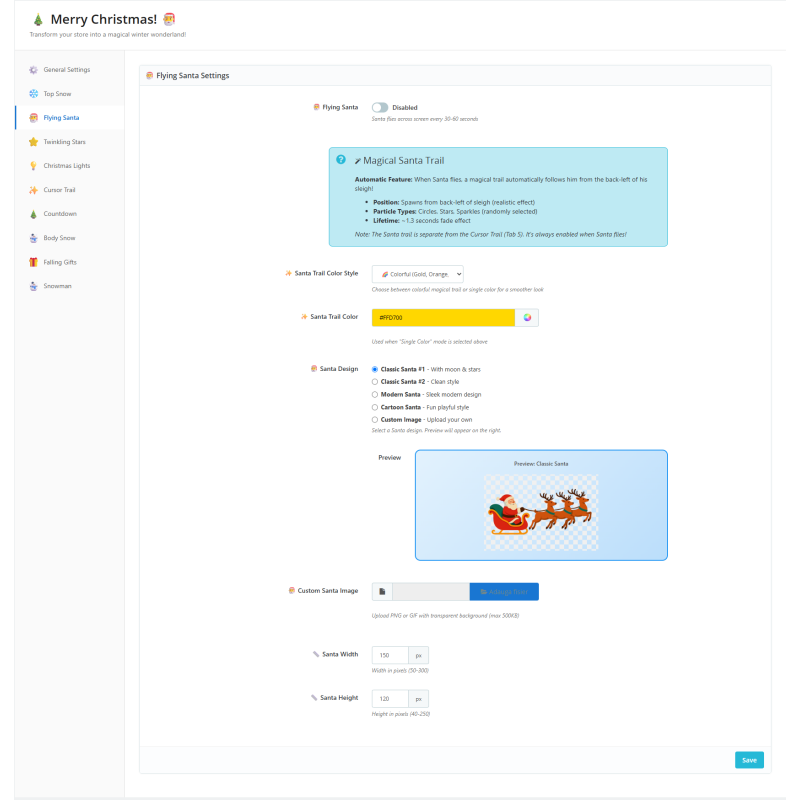
05 Characters: a flying Santa and a snowman, with ready-made styles or your own image
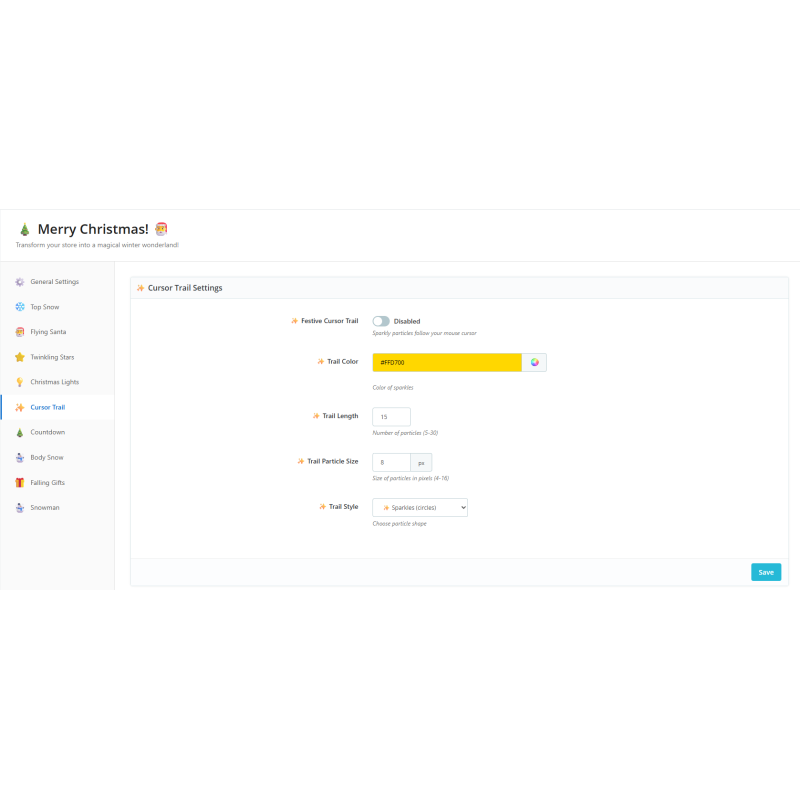
06 Interactive: a cursor trail, falling gifts shoppers can pop, and a confetti burst on add-to-cart
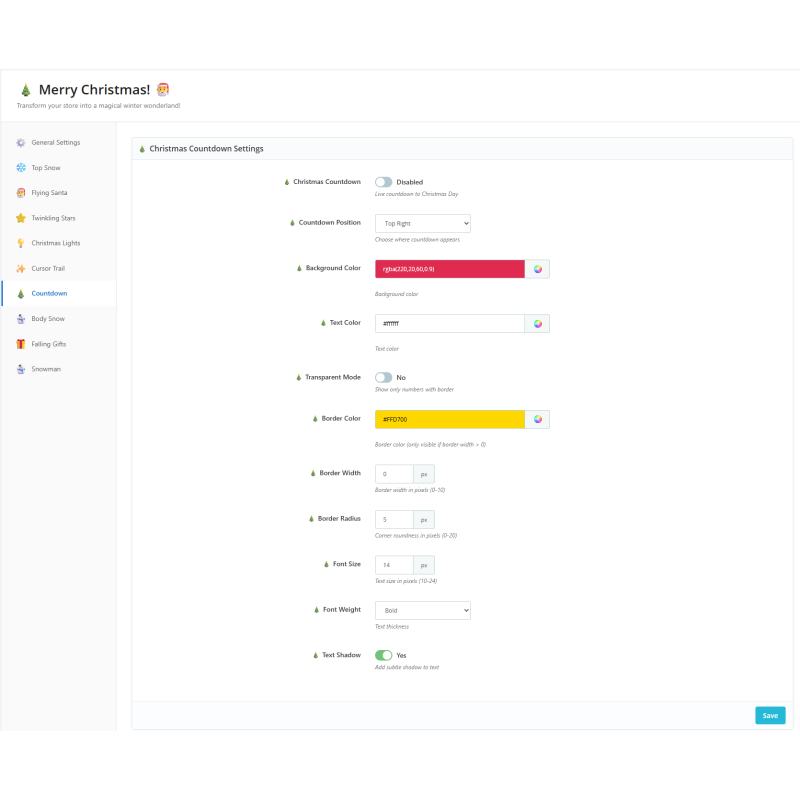
07 Promotion bar with a live countdown to your shipping cutoff
08 Gift wrapping offered at checkout, built on PrestaShop's native gift-wrapping option
09 Surprise gift: a floating present that reveals a discount code you created
10 A live preview and an ⓘ help note on every setting
11 Overview dashboard with a readiness meter and cookieless, anonymous interaction stats
12 Mobile performance budget, reduced-motion support and a visitor pause control
13 In-module documentation and an "Our modules" page
Data sheet
- Module version
- 5.0.3
- Technical name
- whitechristmas
- Support included
- 3 months, extendable
Frequently asked questions
- How is it installed?
- 1. In the back office, open Modules › Module Manager and upload the White Christmas zip (or install it from your PrestaShop Addons account).
2. Click Configure to open the module.
3. On the dashboard, turn on the master switch — your shop is festive right away.
4. Open Setup to pick a palette, set the season schedule and choose which pages show the effects; tune each effect in its own section.
- What are the requirements?
- PrestaShop 1.7.8 to 9.x
PHP 7.1 to 8.5
The GD image library (standard on PrestaShop hosting), for the optional custom Santa/snowman image upload
No account, API key or outside service
- What else should I know?
- No key, account or outside service is needed to test the module, and it works fully offline. To test: install and open Configure, turn on the master switch on the dashboard, then open your storefront to see the effects; open a product page and add to cart to see the confetti burst.
Works with the Classic and Hummingbird themes (it uses PrestaShop's standard display hooks). Gift wrapping uses PrestaShop's own gift-wrapping option, so it appears at checkout when that option is active. The effects are cosmetic — you provide your own discount codes (Catalog › Discounts) and shipping deadlines. No overrides are installed, and the module removes all of its data when uninstalled.